
Introduction
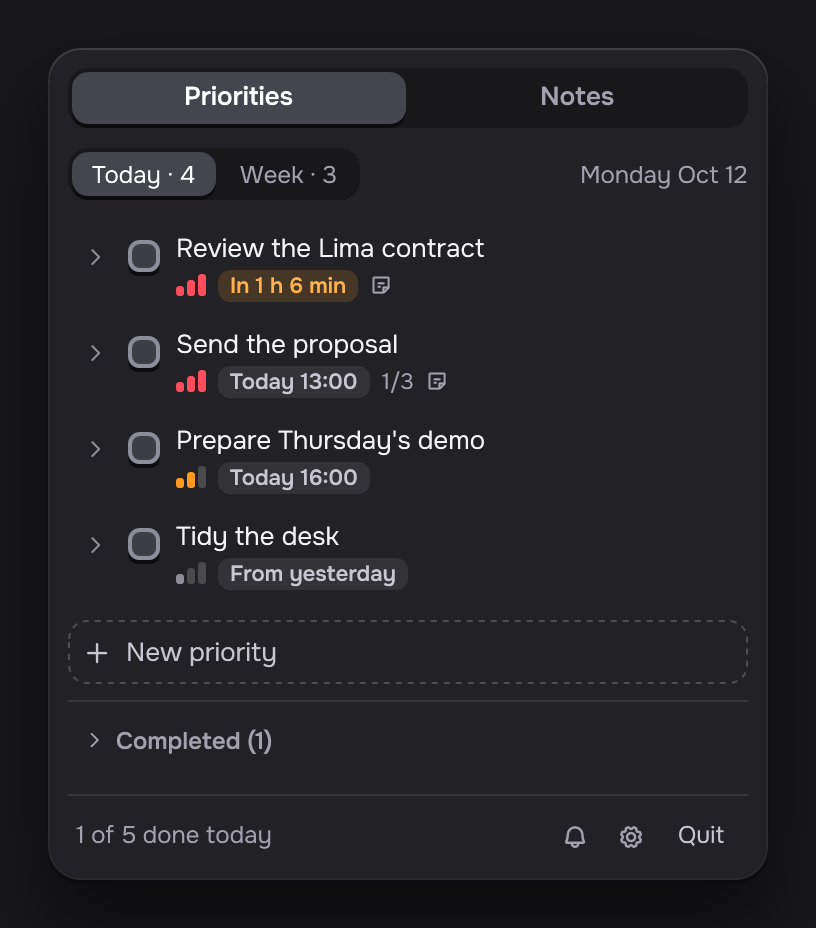
Daily ZGT keeps the priorities and the notes of your day and your week. It lives in the system tray on Windows and in the menu bar on macOS. Click its icon and a small panel opens.
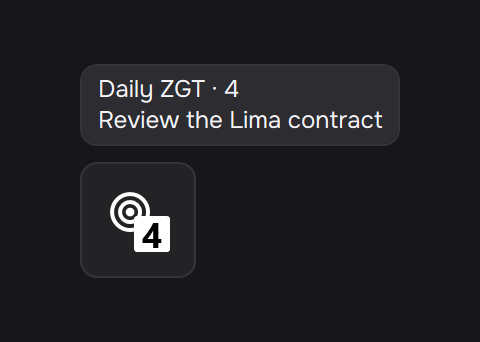
The icon shows how many priorities are still open today. On Windows, hover over it to see the next one. On macOS, the next one shows next to the icon.
- Windows and macOS. One native app for each system.
- Your language. The Windows app is in English, Spanish and Portuguese, and it follows the language of your system. The macOS app is in Spanish.
- Free and open source. The code is on GitHub under the MIT license.
- Your data stays on your computer. There is no account and no server. The app sends nothing anywhere. See Privacy and your data.
The pictures in this guide show the Windows app. The macOS app looks the same.
Next, install Daily ZGT.