
Capture window
Add a priority from any app, without opening the panel. Press the shortcut, type, press Enter.
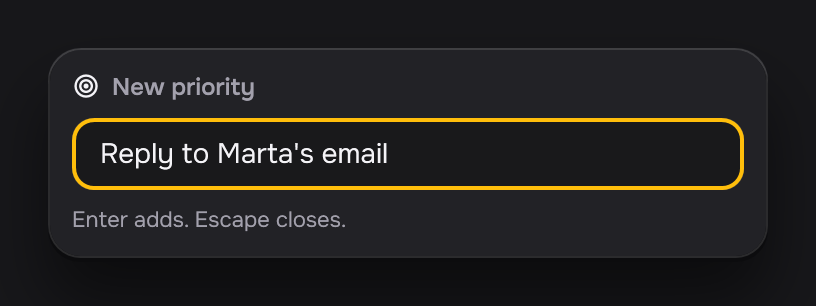
- Enter adds the priority to Today, with level Medium and no due time.
- Escape closes the window with no change.
To add a level or a due time, open the priority in the panel later. To use other keys, change the shortcut in Settings.