
Alerts
Give a priority a due time and Daily ZGT reminds you twice, with sound:
- 30 minutes before the due time.
- At the due time.
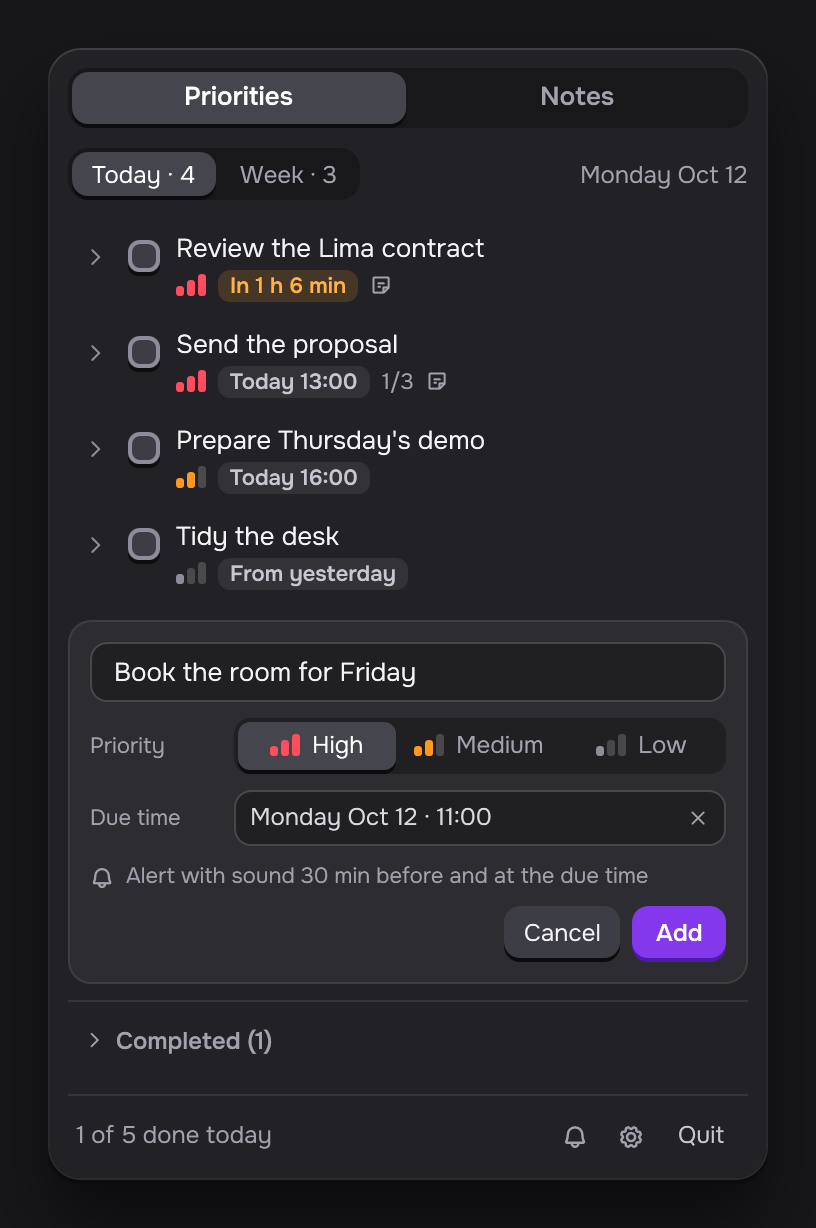
Each alert shows the title of the priority and two buttons. Open opens the panel on that priority. Snooze 15 min reminds you again in 15 minutes.
Test alert
Click the bell, Test alert, at the bottom of the panel. A test alert comes 5 seconds later.
When alerts do not show
If notifications for Daily ZGT are off, the bell has a slash and the panel says Alerts are turned off. Click Open settings and turn on notifications for Daily ZGT.
- Windows. The link opens Settings > System > Notifications.
- macOS. The app asks for permission the first time you set a due time. Click Allow. To change it later, the link opens System Settings > Notifications.